Position and Length
POSITION and LENGTH are the main way in which you can alter the timbre of a given field's sound. Fields must be selected with their corresponding selection buttons in order to control their parameters.
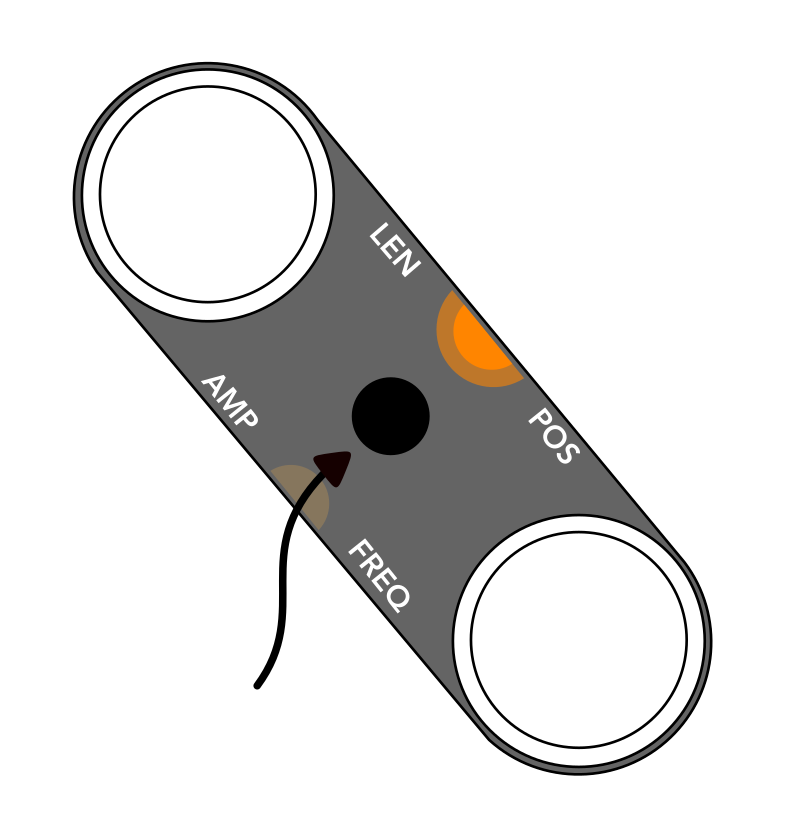
The toggle button on the right side of the instrument selects whether you are in sample or LFO edit mode. The light near the words LEN / POS indicates that knob changes currently affect length and position. When viewing the companion app, this toggle button will also toggle what parameters can be seen in the app: LFO or sample parameters.
Length
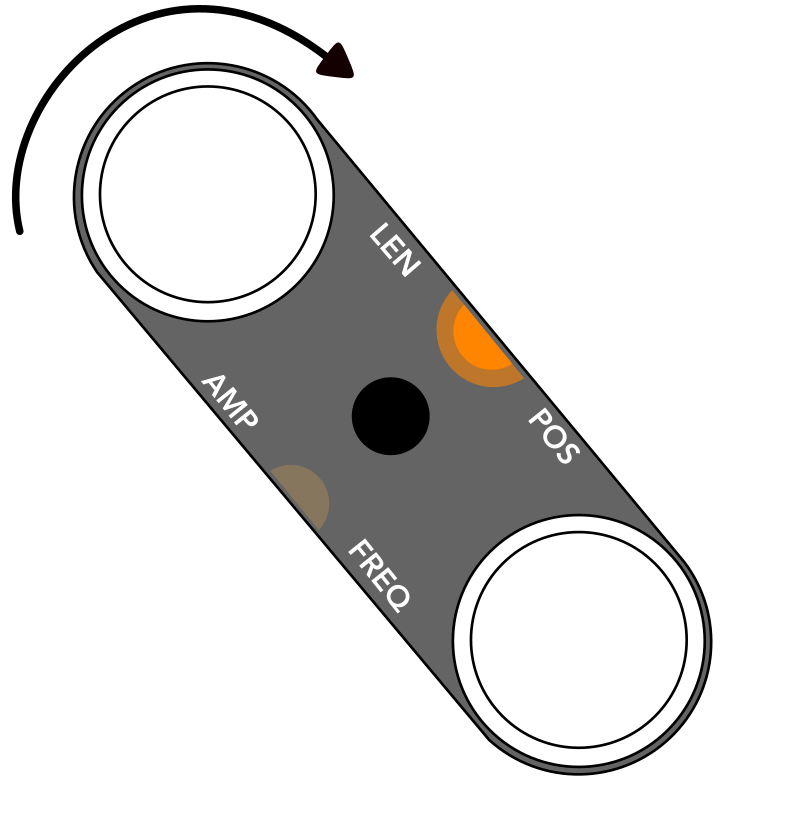
With at least one field selected, adjust the sound source's length by turning the top knob. The field's indication light will blink if it is at the maximum or minimum of the range.
Pressing the length knob toggles reverse playback. If the current sample is a wavetable, reverse toggles between pulse-width and oscillator-sync style length changes.
Position
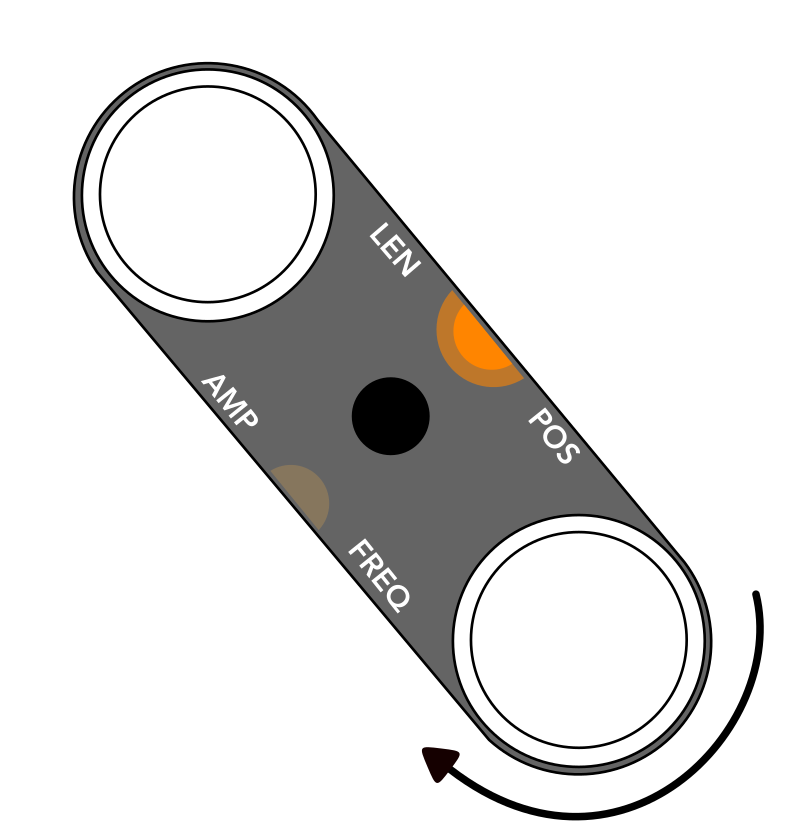
With at least one field selected, adjust the sound source's position by turning the bottom knob. The field's indication light will blink if it is at the maximum or minimum of the range.
Sample Mode vs Wavetable Mode
Changes to length and position sound different in sample and wavetable mode.
Sample Mode
In sample mode, the length parameter changes the number of slices. When length is 100%, the full loop plays, and position has no effect. The position parameter smoothly crossfades between different slices. Using very short lengths, position changes will produce granular-like effects. At the absolute shortest lengths, samples sound similar to wavetables.
Try the demo below to see how length and position affect a sample loop.
Wavetable Mode
In wavetable mode, the length parameter acts as the skew of the waveform:
- Forward playback: pulse-width
- Reversed playback: oscillator-sync
The position parameter smoothly morphs from one waveform to the next. There are six waveforms in total, determined by the currently loaded wavetable.
Try the demo below to see how length and position affect the wavetable, press the reverse button to trigger oscillator sync mode.