Audio Effects
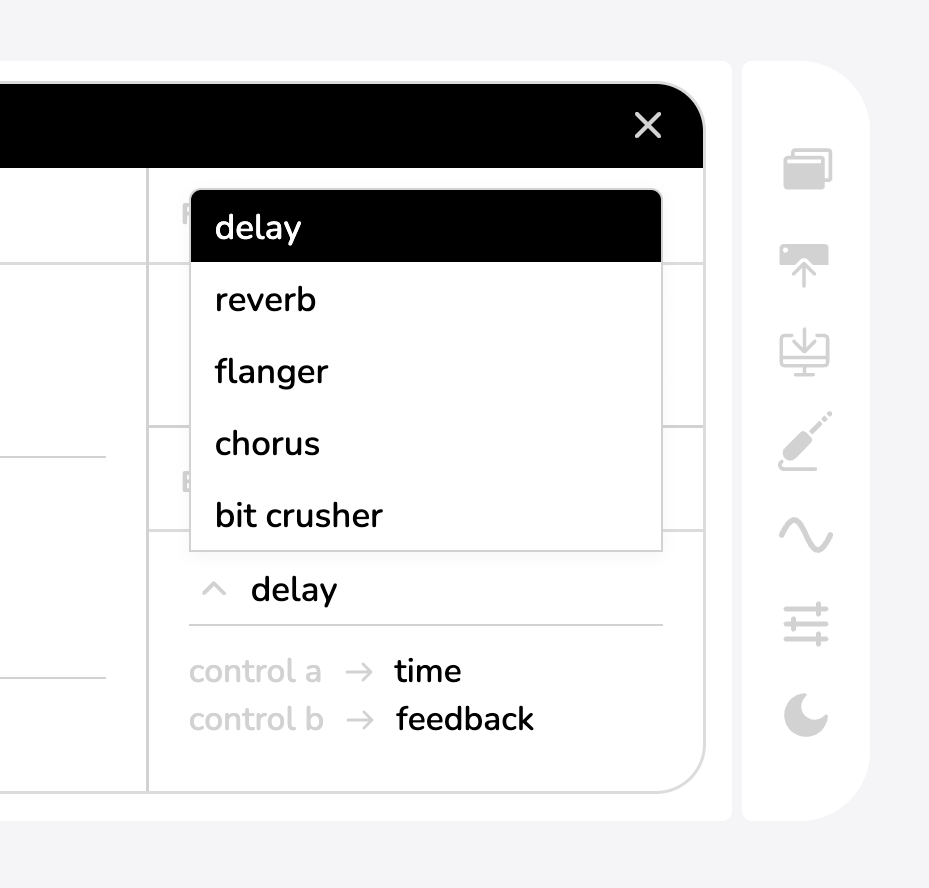
The Haloplane's audio effects provide an additional stereo effect that is CV-controllable and applied after the filter output in the signal chain.
Using the app, you can choose between five built-in effects. The icon accesses the menu where effects can be chosen.
Each effect has two controls (A and B). These differ for each effect.
Controls
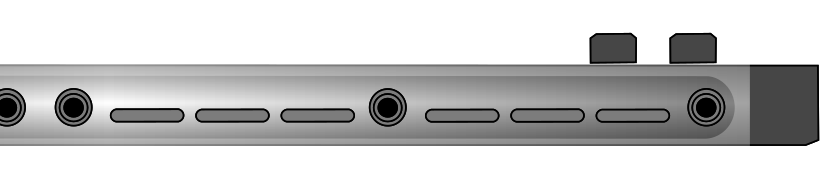
The effects section of the panel contains three knobs. Control A and Control B alter the effects character. These vary for each effect, but in general Control A is rate/time-based and Control B is depth/feedback.
Dry/Wet blends between the filter's raw output (0%) and the effect signal (100%).
The CV Input is always mapped to Control A, whatever it is controlling. This CV input expects 0–5 V, but is tolerant of higher voltage like those on Eurorack and modular synthesizers.
Effects
| EFFECT | A | B | DESCRIPTION |
|---|---|---|---|
| Delay | Time | Feedback | Stereo tape-like echo effect |
| Reverb | Dampening | Decay | Simple hall reverb effect |
| Flanger | Rate | Depth | Very short, continually swept delay with feedback |
| Chorus | Rate | Depth | Detuned copy of the input signal for ensemble and vibrato effects |
| Bit Crusher | Sample Rate | Bit-Depth | Sample-rate and bit-depth reduction for distortion and pixelation. |
Final Output
The audio effect's output is the final output of the Haloplane, consisting of a stereo line-level signal.
This output can be used to drive headphones, or connected to further equipment.
If the stereo width is set to wide, the output can be used as a mono balanced output. To make use of the balanced connection, you'll need an appropriate TRS cable, and to plug the Haloplane into further gear that has a balanced input (most soundcards, mixers, and interfaces). Using this balanced mode provides excellent noise performance.