Pickup Shortcuts
While it is certainly more intuitive to use the companion app to change pickup settings, in pursuit of making the instrument fully standalone outside of the companion app, all pickup settings can be adjusted using the buttons on top of the instrument.
Holding the mode toggle button as a modifier key, the other buttons can be used to change pickup settings on the fly.
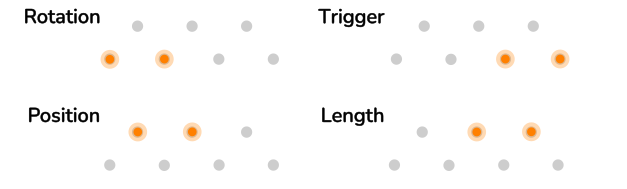
The 7 field LEDs will briefly indicate which setting has been selected.
Sensitivity: toggle held + main dial
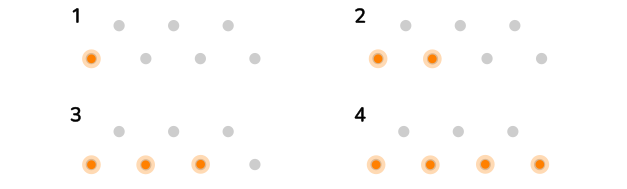
Panorama: toggle held + position knob
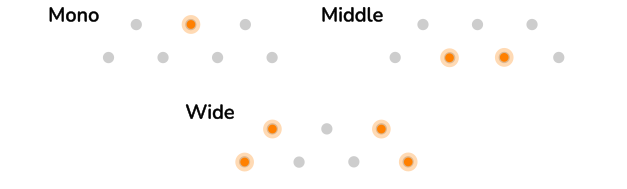
Modulation Output Type: toggle held + length knob
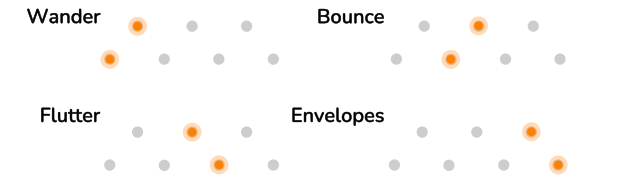
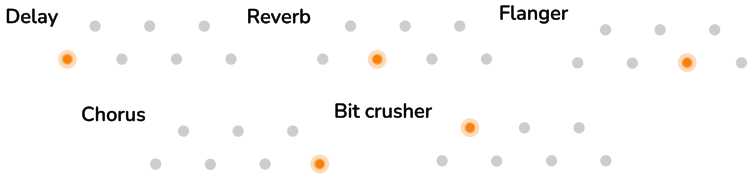
Effect Type: toggle held + pressing field selection buttons 1 - 5
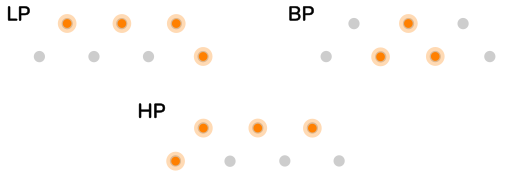
Filter Type: toggle held + pressing field button 6
Mod In Type: toggle held + pressing field button 7