Pickup Inputs
Pickup Coils
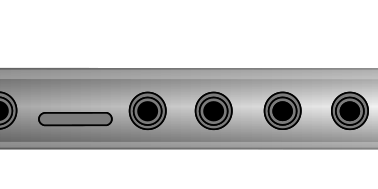
The Haloplane comes with two electromagnetic pickup coils that plug into two dedicated input jacks marked A and B.
The two pickups are constantly listening for any and all changing electromagnetic fields. They will detect every noise from every electronic device placed near the pickup — not just those produced by the Haloplane itself.
The pickup coils are the main way the instrument is played. Once connected, moving the pickups across the surface of the instrument lets you hear the sounds of the seven fields. The seven holes on the instrument's surface indicate the center point of each electromagnetic field. Placing a pickup between the fields will cause it to pick up from both fields at once, creating a blend of two or more sounds.
There is no envelope control on the Haloplane — you are the envelope. The pickup coils are the main way to articulate and shape the sound of the instrument.
Configuration Options
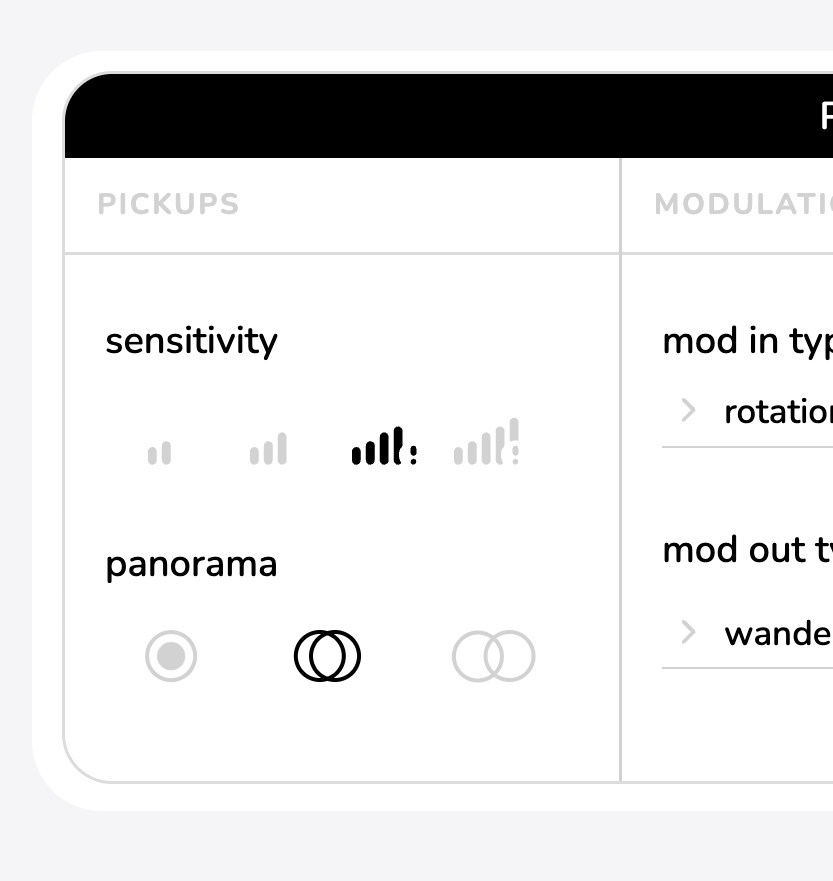
Using the companion app, you can change pickup settings by tapping or clicking the icon. In this menu, you can adjust the following settings for each pickup:
- Sensitivity — adjust the gain of the pickup signal.
- Panorama/Spread — mono, normal, or wide stereo image.
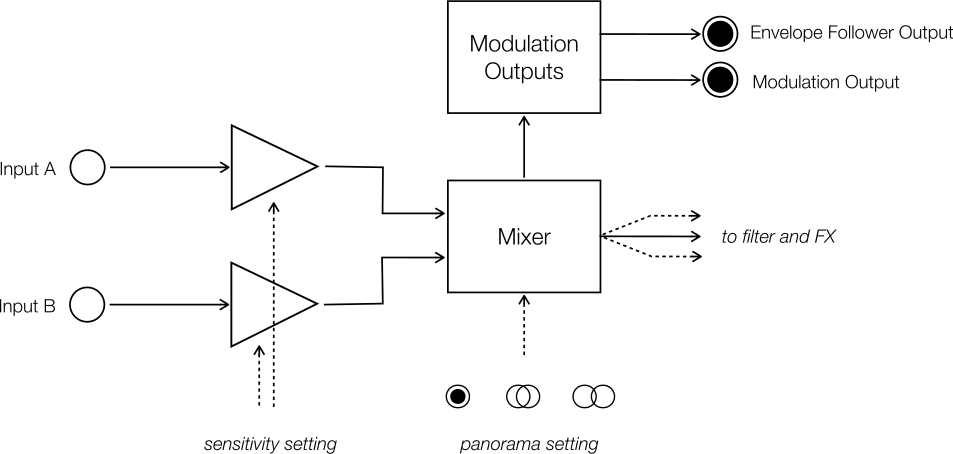
Sensitivity has four settings from low to high. The amplifier internally processes the pickup signal with auto gain control, this means that increasing the sensitivity increases the overlap between fields without affecting the maximum output level.
Use the upper two settings for playing the instrument touchlessly at a distance, and for playing in between the fields with a lot of overlap. Use the lower two settings for controlled, percussive, and precise playing near the surface. The auto gain control / compression is much more present in the upper two settings.
Panorama has three settings: mono, normal and wide. Mono sums the two pickups into a single mono signal, that then gets processed by the filter and effects. Normal and wide settings place pickup A in the left channel and pickup B in the right channel. At the wide setting, none of the left pickup can be heard in the right signal, and vice versa.
When in wide mode, the output can also be used as a mono balanced output. To make use of the balanced connection, you'll need an appropriate TRS cable, and to plug the Haloplane into further gear that has a balanced input (most soundcards, mixers, and interfaces). Using this balanced mode provides excellent noise performance.
The upper two sensitivity settings also increase electromagnetic noise, as the pickups are sensitive to all electromagnetic fields, not just those of the instrument.
Compatible Pickups
Any coil pickup or dynamic microphone can be used with the Haloplane, but results (sensitivity) will vary.
Piezos, contact microphones, condenser microphones, and electret microphones will not detect the fields created by the instrument, as they rely on physical vibrations rather than changes in electromagnetic fields.