Wavetable Synthesis
Wavetable Mode
When an ultra-short loop is loaded, it is automatically processed as a wavetable. Wavetables contain exactly six segments, each with a different single waveform cycle.
POSITION morphs between the six different waveforms. LENGTH acts as the skew/sync of the waveform.
- When playback is set to forward, the effect of length is similar to pulse-width.
- When set to reverse, the effect of length is similar to oscillator-sync.
Try the demo below to see how length and position affect the final waveform:
Creating and Loading Wavetables
Wavetables can be created or loaded in a few different ways:
Default Wavetables
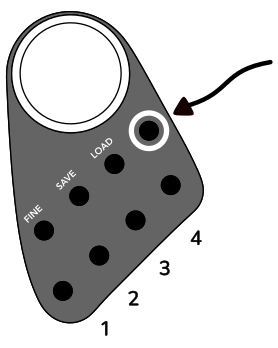
The most basic way to load a wavetable is to use one of the four default tables. These are always present on the instrument, and can be accessed at any time by holding the select all button and pressing one of the first four field buttons. This will load the table into any selected fields.
Wavetable Designer
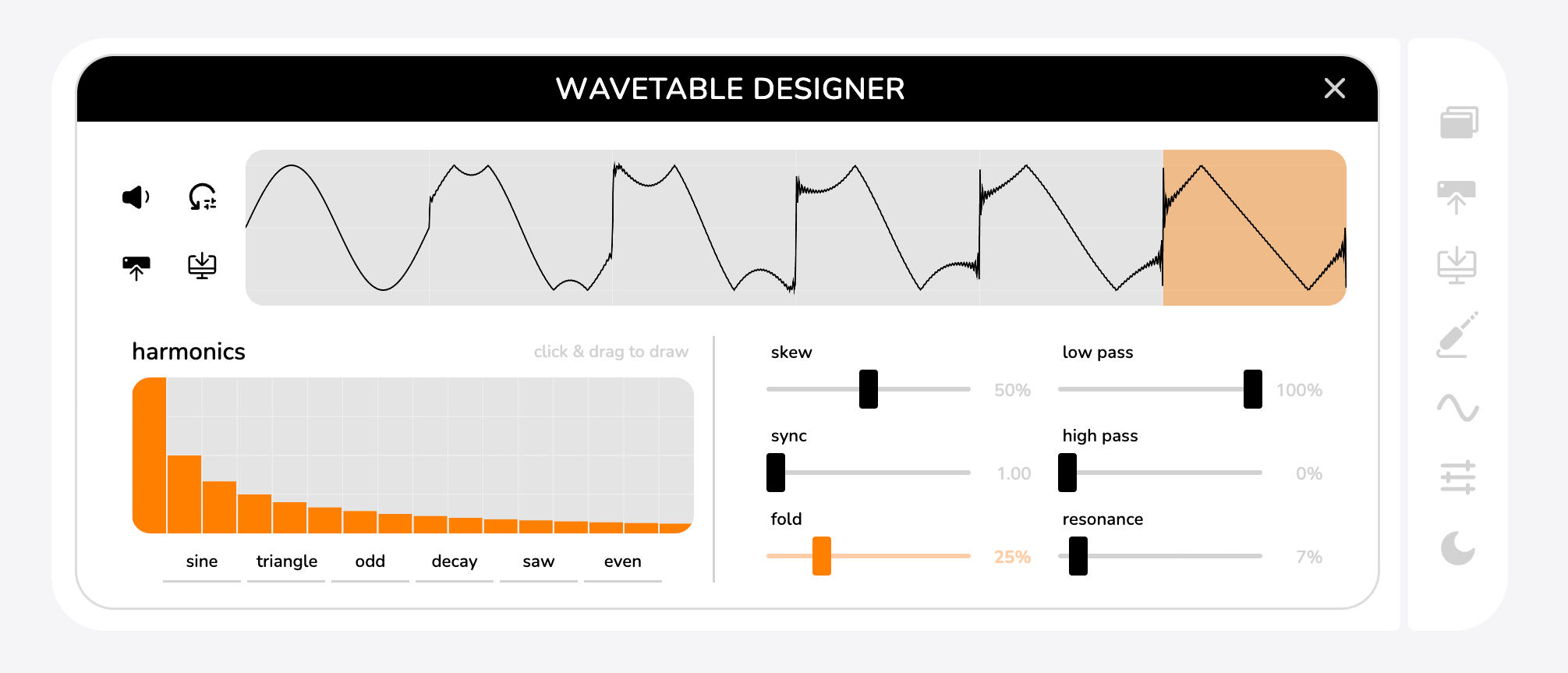
Once a wavetable is designed there are a few options accessible from the four icons in the upper left corner:
upload the wavetable to the Haloplane. The wavetable will be loaded into any selected fields.
preview the wavetable from your web app's device (your phone, tablet, or computer speaker)
download the wavetable as a .wav file. The file will automatically be recognized as a wavetable by the Haloplane
if you upload it back to the instrument. that can be sent to selected fields or downloaded as local .wav files for later use across devices.
to reset the designer to its default state.
Segment Parameters
To edit the wavetable, click or tap a segment of the wavetable and then adjust its parameters. Adjusting the parameters on inner segments creates a keyframe — all other segments will automatically adjust to smooth between parameter changes. For example, if you'd like a smooth sweeping filter in your wavetable you can put the filter all the way up on segment one and all the way down on segment six.
Harmonic Canvas
You can also draw in 16 harmonics to create custom wave shapes. The presets below the harmonic canvas allow you to create classic shapes like saw (all harmonics) and square (odd harmonics).
Sample Library
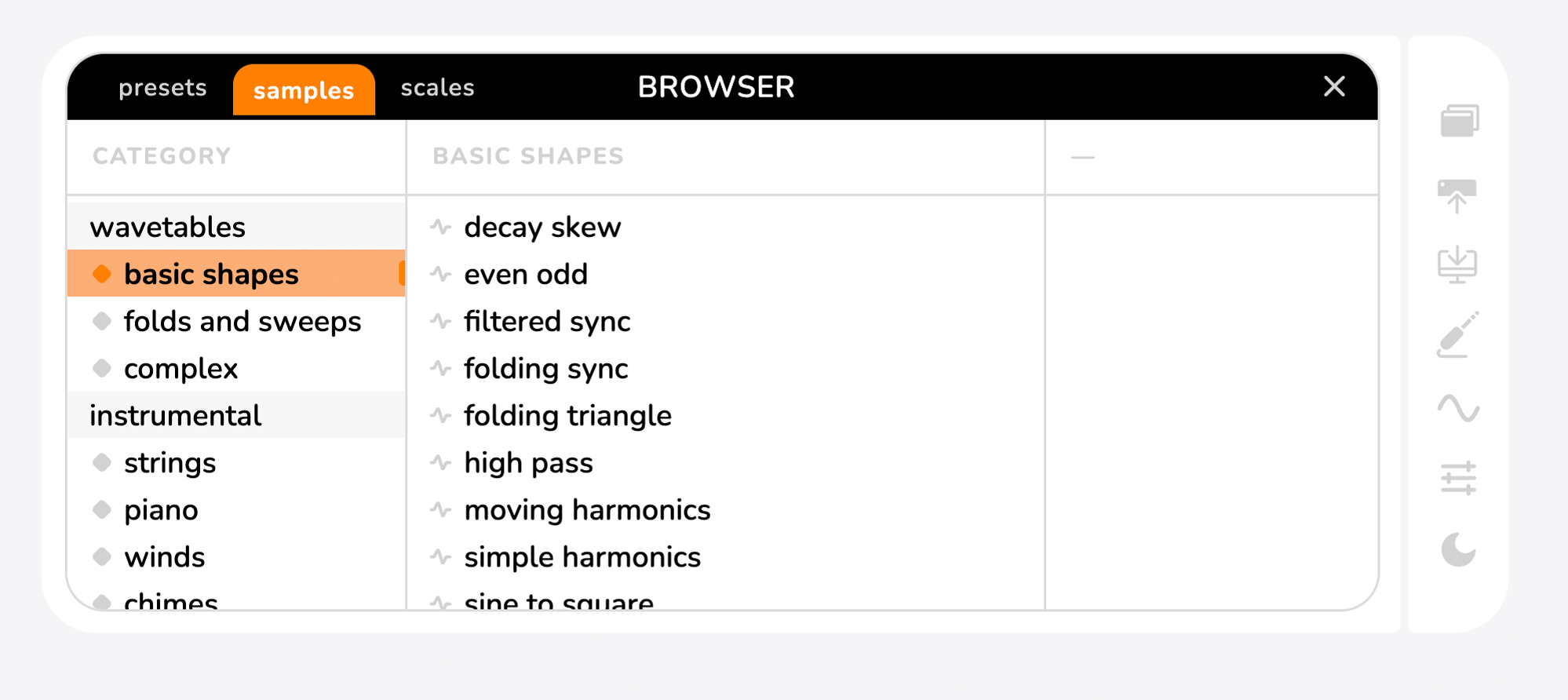
You can also load wavetables from the sample library. Make sure one or more fields is selected, then click or tap a sample to load it into those fields.
Loading samples from the library doesn't reset the parameters of the field, it just swaps the sound. Presets and samples that are wavetable based, are indicated by the wave icon next to them.
Wavetable Format
If you're interested in creating a completely custom wavetable for the Haloplane, you can do so in your DAW of choice. Haloplane wavetables are 44.1kHz 16-bit mono .wav files. They are 2400 samples long, and will be interpreted by the Haloplane as six even segments of 400 samples each. Downloading a wavetable from the app and opening it in your DAW could be a useful starting point.